Circles explained
Join communities to chat, post in forums, and run group games — and how to start your own.
Circles are communities on Waypoint Realms — a game store's regulars, a campaign group, or a city's board-game crowd. Each circle has a forum, a group chat, and its own sessions.
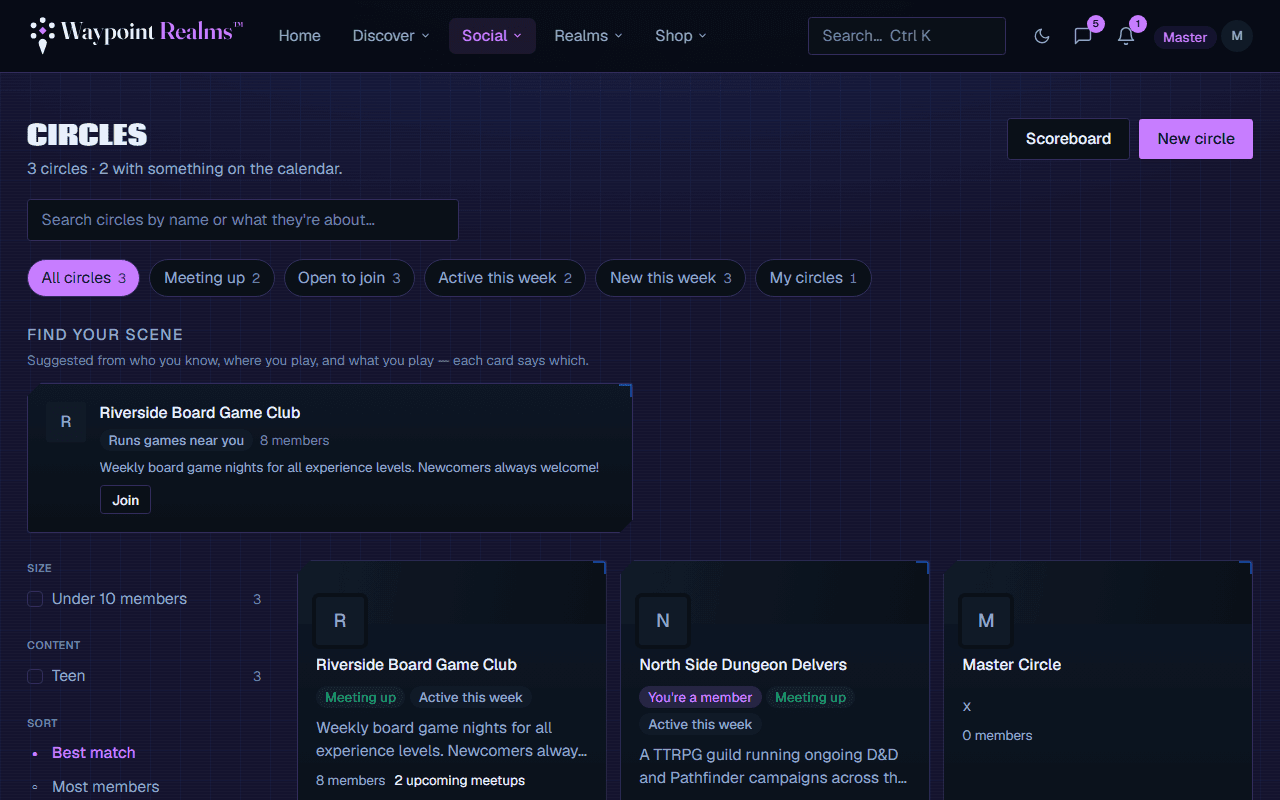
Joining a circle
- Public circles are listed under Circles — open and join.
- Private circles are invite-only. Redeem an invite code to join.
What you get inside
- Forums — start threads and reply (members only).
- Group chat — #general for the whole circle, and #announcements, which everyone reads and only the Lead and officers post in.
- Circle sessions — games organized within the community.
- Tournaments & achievements for circles that run them.
Starting your own circle
Anyone can start a circle, free — creating one makes you its Circle Lead. A free account can lead one circle of up to 25 members; Plus leads two of up to 50, with a voice room; Pro leads any number, with no member cap. On Plus you can also add a Bigger Circle (+100 members) or an Extra Circle for $2 a month each, and a circle's lead can top up its voice minutes with a $3 pack from the circle's settings. See membership plans.
A new circle starts with #general, #announcements, and a pinned Start here post in your name with a short welcome. Edit that post to write your circle's rules. For its first month, your circle's page shows you a checklist: write your rules, invite your first members, schedule a session, and share the circle if it's public. It disappears once you've done them. Rename, reorder or archive the rooms any time in the circle's settings.
The cap follows the circle's current Lead, not whoever founded it — make a Pro member a Lead and the cap lifts. If a circle is over its cap (say its Pro Lead downgrades), nothing is deleted or locked: everyone stays, and new members simply can't join until there's room. To hand a circle over, make someone else a Lead in its settings, then step down.
Taking your circle's record with you
A Circle Lead can download the circle's record from its settings → Export this circle: a zip with spreadsheets (CSV) and one JSON file. It holds the roster (handles, roles and join dates — never email addresses), forum threads and replies, wall posts, and the sessions and events run in the circle with who came. Members under 18 appear as “Member”, anything removed by moderation is left out, and chat isn't included. Officers can't export — it's the whole record, so it stays with the Circle Lead.
If Waypoint Realms ever has to remove a circle, its Circle Leads are offered this export first, unless the circle is spam.
Note
Still stuck? Browse all help or contact us. To report someone or something, use the report action on the relevant profile, post, or session — it sends us the context automatically.