The Cosplay Workshop
Five tools that all read one thing — your measurements. Measure once, then scale someone else's model, sculpt your own, draft a sewing pattern, or check a whole costume for collisions.
The Workshop is the making half of the Cosplay Realm. It is five tools that share one thing: your body's numbers. Measure once in the Measuring Room and every other tool draws on the same profile — no re-entering, no spreadsheet.
The five tools
The Measuring Room — start here
Your body's numbers in one place. Measure with your camera (members 18 and over) or a tape, and each number keeps a record of how it was taken and how much to trust it. See the Measuring Room.Fit Forge — resize someone else's model
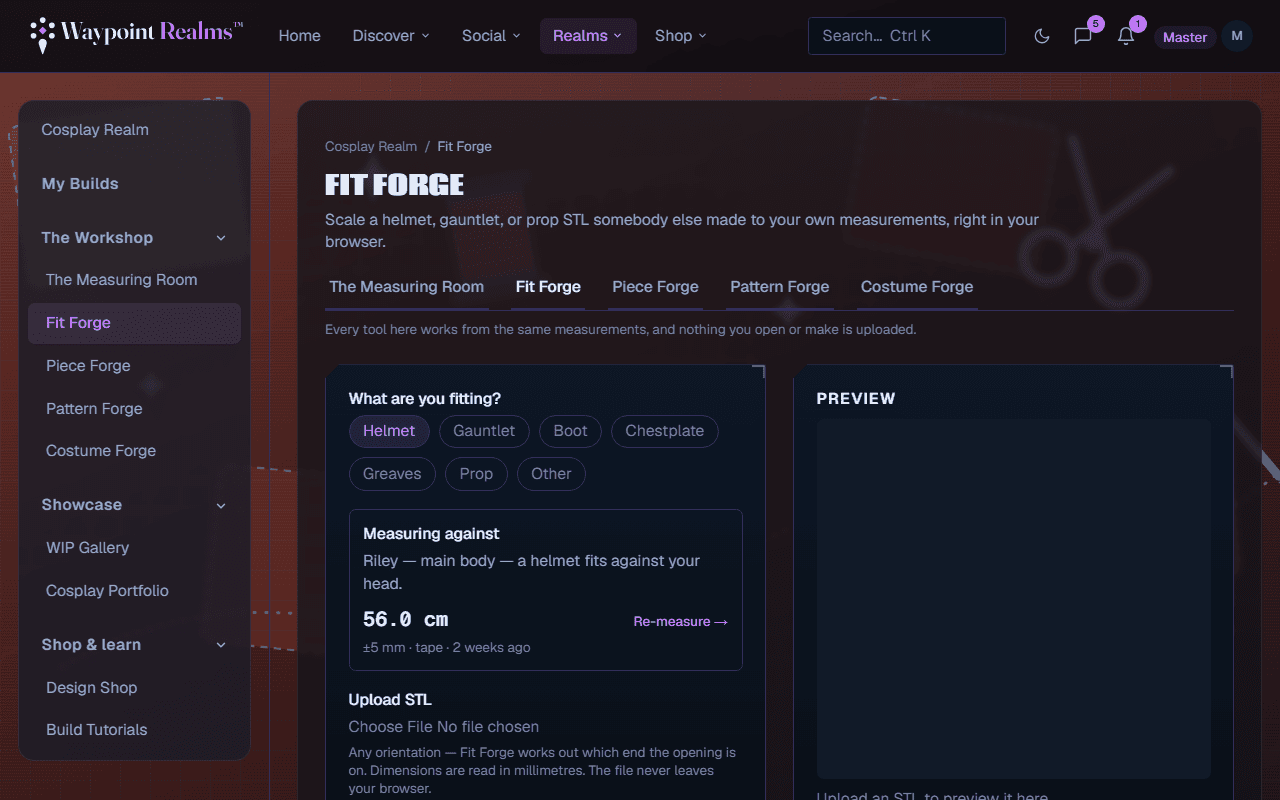
You downloaded an STL for a helmet that was modelled on someone else. Fit Forge scales it to your measurements in the browser. See Fit Forge.Piece Forge — model from nothing
Shape a helmet, chestplate, gauntlet, greave or prop from a wireframe cage, fit it to you, then unfold it into printable foam templates. See Piece Forge.Pattern Forge — draft a sewing block
Draft a sewing block to your own measurements and tile it across ordinary printer paper to trace. See Pattern Forge.Costume Forge — put it all together
Wear your saved pieces on one body at once and find out what collides before you cut foam. See Costume Forge.
Shared across the tools
The profile you pick in one tool is the one the others open with, and the tab row names it with how many numbers it holds. The cm / in switch on the tab row sets the unit for every tool; the Measuring Room has its own beside its table. Your measurements are always stored in millimetres, so switching loses nothing. A4 or US Letter, once chosen, is remembered on your device and shared by Piece Forge and Pattern Forge.
Photos and STL files never leave your device
What each tier includes
The Measuring Room is open to everyone. In the other four, what needs Plus or Pro is:
- Fit Forge — scaling, previewing and downloading are free; the Live BOM (pricing the print in a material) needs Plus.
- Piece Forge — modelling, saving, unfolding, exporting and publishing are free; the Cost tab needs Plus.
- Pattern Forge — drafting a block needs Plus.
- Costume Forge — assembling a costume and checking it for collisions are free; saving a costume needs Plus.
Where your work goes
Pieces you save are yours to reuse across tools. When you are building toward something specific, track it in My Builds — a build links to the designs, fits, pattern drafts and costume you made for it, holds its progress photos, and marking one finished and public turns it into a portfolio piece in the gallery.
Still stuck? Browse all help or contact us. To report someone or something, use the report action on the relevant profile, post, or session — it sends us the context automatically.