Build Tutorials: how-to videos
A library of cosplay how-to videos submitted by members and reviewed by staff, filtered by topic, difficulty and search — armour, EVA foam, 3D printing, sewing, wigs, paint, makeup and electronics.
Build Tutorials is a library of how-to videos for cosplay builds, submitted by members and reviewed by staff. It exists because the hard part of learning a technique is rarely finding a video — it is finding the right one for the material you are actually holding.
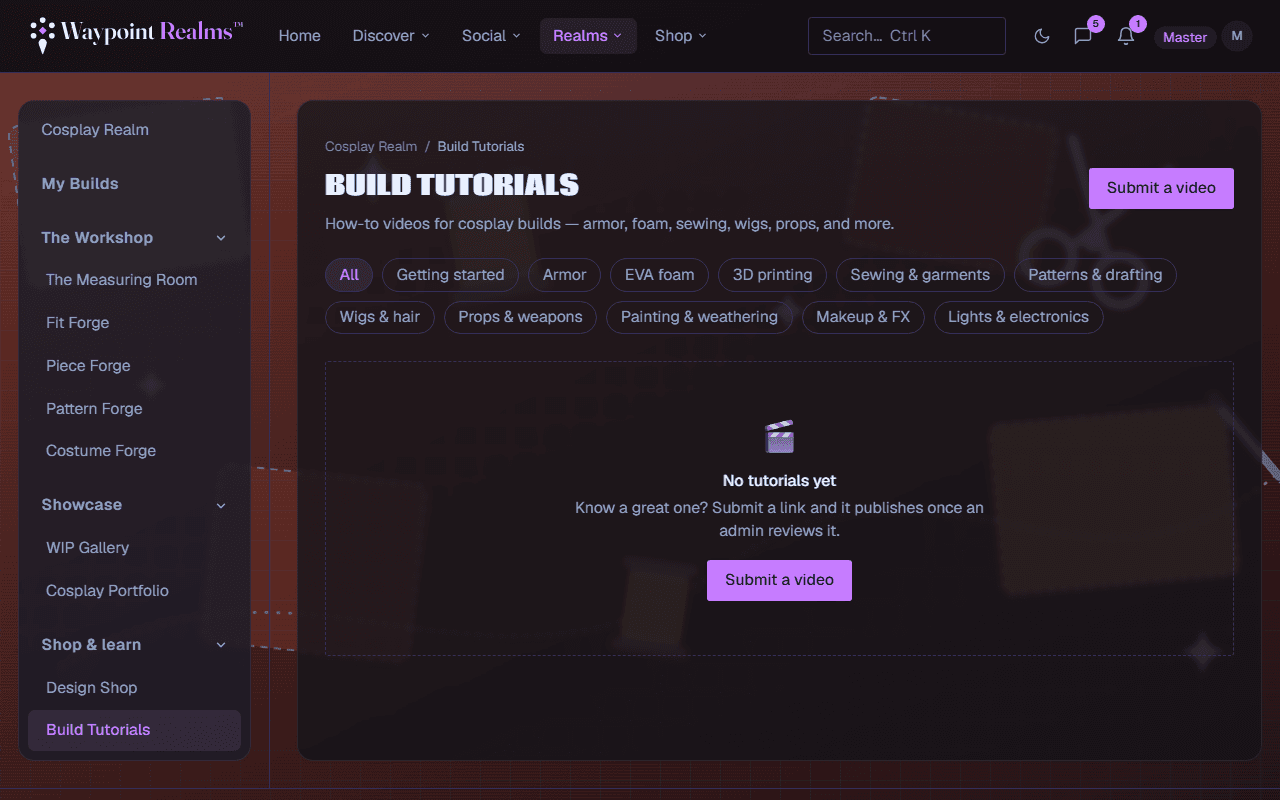
Finding the right one
- By topic — getting started, armour, EVA foam, 3D printing, sewing & garments, patterns & drafting, wigs & hair, props & weapons, painting & weathering, makeup & FX, lights & electronics.
- By difficulty — beginner, intermediate or advanced, so a first foam build does not open with a five-axis CNC. A level is optional, so a video without one shows only under Any level.
- By search — the search box matches titles and descriptions, and tags whole: worbla finds the videos tagged worbla. Staff add the tags, and cards show up to four. Topic, difficulty and search combine, and each filtered view has its own link to share.
Submitting one
Submit a tutorial adds a YouTube or Vimeo link to the library. The title and thumbnail are fetched for you, and the creator is named from the video's channel. Choose the topic, and the difficulty if you know it; a title of your own and a line on why it is useful are optional. Only share videos you have the right to link.
An admin reviews every submission before it appears, and you get a notification either way. My submissions lists everything you have sent and where it stands: waiting for review, published, or not accepted — with the reason. A video that was not accepted can be fixed and sent back with Edit and send it back.
If a published tutorial is not what it claims to be, or should not be here, use Report this video under the player.
Videos are hosted by their creators
Read the technique, then use the tools
Still stuck? Browse all help or contact us. To report someone or something, use the report action on the relevant profile, post, or session — it sends us the context automatically.