Costume Forge: wearing the pieces together
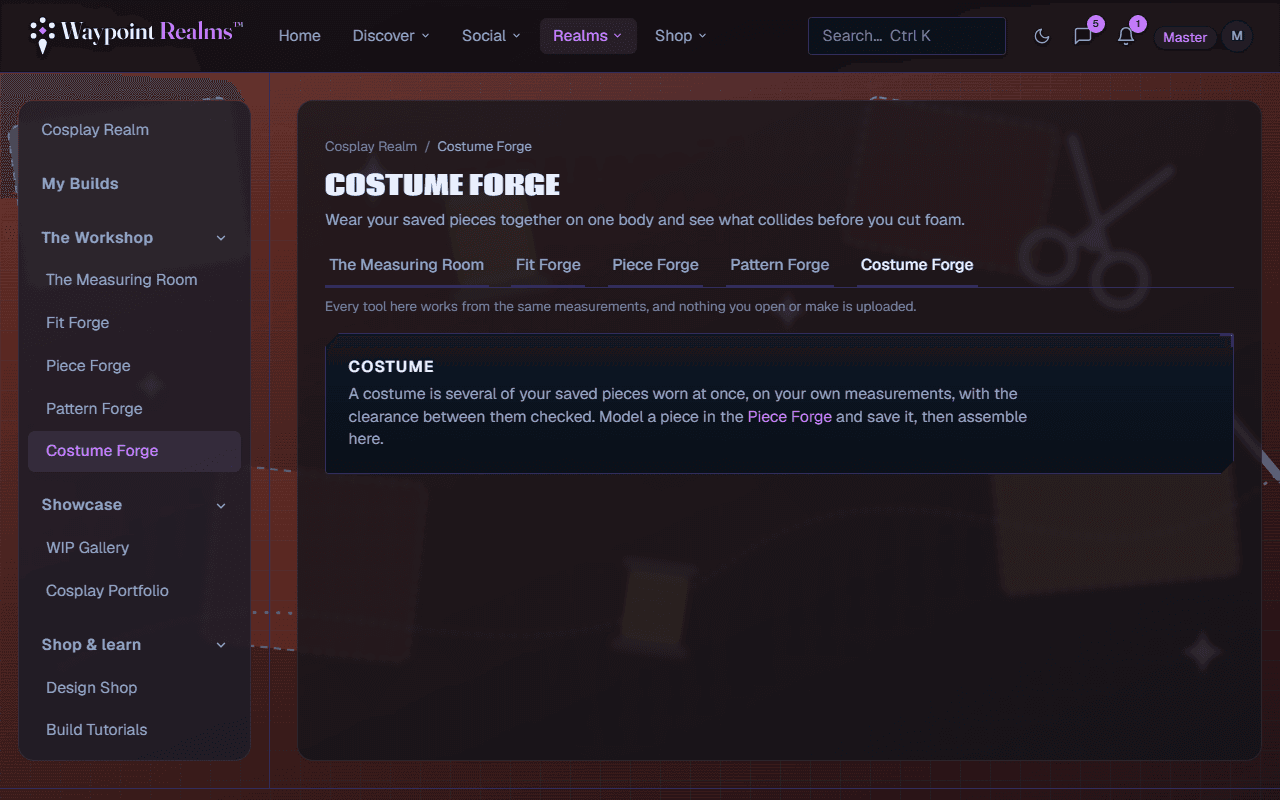
Put your saved pieces on one body at once and find out what collides — where a chestplate fouls a helmet, or two pieces sit too close — before you cut foam.
Pieces that each fit perfectly on their own can still be unwearable together. A chestplate that clears your torso can foul the helmet's lower edge; two plates that each look right can overlap where they meet. Costume Forge is where you find that out on screen rather than after a weekend of cutting foam.
How it works
Model and save your pieces
Costume Forge assembles what you have already made. Model each piece in Piece Forge and save it — a helmet, a chestplate, a gauntlet, a greave. A costume holds up to eight.Wear them together
Add pieces from your library. They stand on a body built from the measurement profile you choose in the Measuring Room, so the clearances are yours. With no profile it is an average adult. The body card says which numbers are yours and which are averages, with a link to measure the missing ones. A gauntlet or greave goes on the right or the left — add it twice for a pair — and a prop can be held in either hand or centred.Read the collisions
The check runs on every change. A Clash is two pieces overlapping; a Tight is a gap smaller than the clearance you set — 10 mm to start, up to 100 mm. Each one is marked on the body; Collisions on the toolbar labels them all, and the fix it card spells out the worst. Pieces that rest against each other at a joint, like an arm against the torso, are listed apart and left for you to judge by eye.Move a piece
Select a piece to nudge it outward or across, up, and forward — type the numbers or drag it in the scene. Hold Shift while dragging, or keep Move pairs together on, and a left and right pair moves as a mirror image. To change a shape, use Edit in Piece Forge › on the piece.
It checks one pose
Linking a costume to a build
Choose a build under For build when you save, or arrive from Assemble in Costume Forge › on a build in My Builds. The build then lists the costume, with the date it was last saved, beside the pieces and progress photos — what you intended beside what you actually made.
Saving a costume needs Plus or Pro
Still stuck? Browse all help or contact us. To report someone or something, use the report action on the relevant profile, post, or session — it sends us the context automatically.